What Is Digital Publishing? A Guide to Creating and Sharing Digital Content
You probably interact with digital publishing every day, whether you are reading an ebook, checking an online magazine, or opening an email newsletter. Although these publications take different forms, they all deliver content to readers through digital channels rather than printed copies.
However, making content available on a screen is only one part of the process. Digital publishing also involves choosing a suitable format, preparing the content for different devices, and deciding how readers will access it. In this guide, we’ll explain what digital publishing is, explore its common forms and benefits, and walk through the main steps for publishing your own content.

What Is Digital Publishing?
Digital publishing is the process of preparing and distributing content in an electronic format. Readers can access it through websites, mobile apps, ebook stores, digital libraries, and learning management systems. This content can include ebooks, online articles, digital magazines, newsletters, business reports, and other publications created for e-reading.
Unlike traditional publishing, this process does not always require an established publishing house. Authors and organizations can use digital publishing platforms to create and distribute their own content directly to their users.
Digital Publishing vs. Traditional Publishing
Traditional and digital publishing share the same basic goal: preparing content and making it available to readers. The main difference is how that content is produced, distributed, and accessed. Some publishers choose one method, while others use both. For example, the same novel, magazine, or textbook may be available as a printed copy and a digital edition.
| Area | Traditional Publishing | Digital Publishing |
|---|---|---|
| Production and distribution | Copies are printed and transported to bookstores and libraries, or delivered directly to readers. | Files are distributed through websites, apps, ebook stores, or digital libraries. |
| Printing and storage | Printed copies require paper, production, storage space, and inventory management. | No physical inventory is needed, but publishers may have to pay for content creation software, hosting, and online storage. |
| Updates and corrections | Changes usually require a new edition or print run. | Content can often be corrected or updated after publication. |
| Reader interaction | Readers interact with a physical page rather than built-in digital media. | Publications can include links, audio, video, animation, and interactive activities. |
| Audience data | Publishers use sales figures, subscriptions, surveys, and market research to understand their audience. | Some platforms provide data about downloads, access, and reader activity. |
| Reading experience | Readers receive a physical copy that does not require a device or power. | Readers can carry several publications on one device and may be able to adjust the display. |
Benefits of Digital Publishing
Publishing digitally changes more than where your content appears. It can change how quickly you get it into readers’ hands, how they experience it, and how easily you can update it later. It removes the need to produce and store physical copies while giving publishers more options for adding media, controlling access, and measuring how their content performs. The exact advantages depend on the publication and platform, but some of the most common benefits include:
- Wider reach: Digital publications can reach readers anywhere with an internet connection. Instead of finding a physical copy or waiting for delivery, readers can purchase or access the publication online and begin reading it immediately.
- Faster distribution: A finished publication can be released through a website, app, digital library, or ebook store without having to go through printing and shipping.
- No printing, storage, or delivery costs: You do not have to pay for paper, printing, warehousing, or physical delivery. You may still have expenses related to editing, design, software, hosting, and promotion, but those are usually lower than traditional publishing.
- Easier updates: Digital publications can often be updated without producing a new print run. Depending on the format and publishing platform, you may be able to correct errors or update information and make the revised version instantly available to readers. This is especially useful for textbooks, manuals, catalogs, and reports that may need regular updates.
- Interactive content: Publishers can embed links, audio, video, animations, quizzes, and other elements that cannot be included in a printed page.
- More accessibility options: When designed correctly, digital publications can be easier to use for readers with visual impairments, dyslexia, or other reading needs. Text-to-speech, adjustable font sizes, clear navigation, as well as captions and transcripts for video content, are a few examples of features that can help create such accessibility.
- Reader insights and analytics: Some publishing platforms show how often a publication is opened or downloaded and which sections readers interact with. Publishers and authors can then use this information to improve future content.
- Flexible distribution: Digital publications can be distributed in different ways depending on the publisher’s goals. A publication can be sold individually, included in a subscription, shared publicly, or limited to a particular group of readers.
Types of Digital Publications
Digital publishing covers several forms of content, each created for a different purpose and audience. Some are designed for long-form reading, while others deliver regular updates, support learning, or present business information.
Below are six common types of digital publications and how they are used,
1. Ebooks
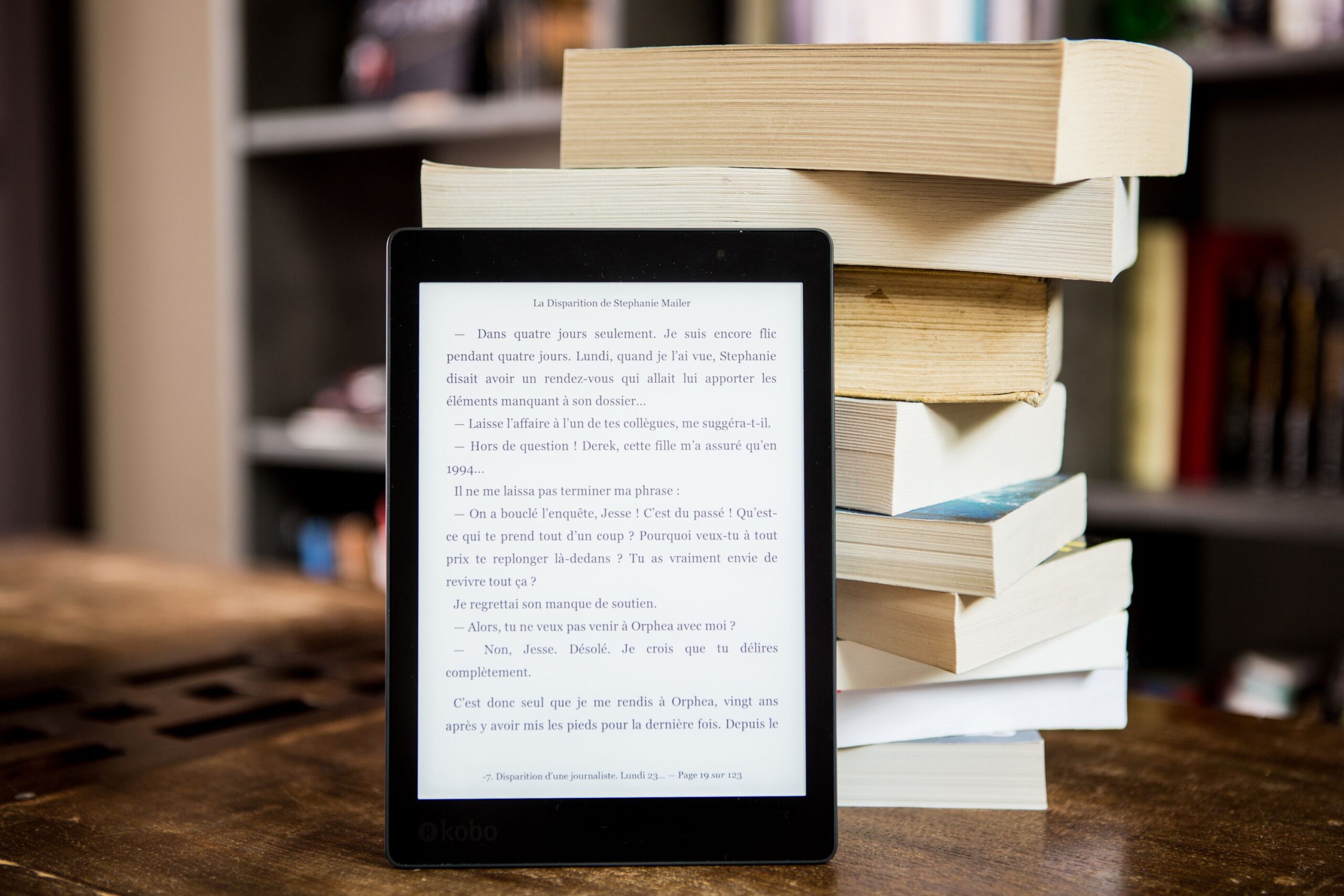
Ebooks are digital publications that readers can access on their computers, tablets, phones, or e-reader devices. They can be novels, nonfiction books, manuals, or training guides.
Unlike printed books, ebooks can contain audio, video, links, quizzes, and other interactive features. Using an ebook creation software, such as Kotobee Author, you can add these elements to your content and export it in several formats.
An ebook can use a reflowable layout, where the text adjusts to the screen, or a fixed layout, where the elements remain in set positions. Our guide to reflowable and fixed ebook layouts explains when each option works best.
2. Digital Magazines and Newspapers
Digital magazines and newspapers present articles, images, and news in an electronic format. Some recreate the appearance of a printed issue, while others use layouts designed specifically for websites or mobile apps.
These publications may include links, videos, searchable archives, and frequently updated stories. A newspaper might update its website throughout the day, while a digital magazine may release a new issue every week or month.
3. Blog Posts and Online Articles
Blogs and online articles allow both individuals and organizations to publish content directly on a website. These articles can cover any topic, including education, business, news, entertainment, and almost any other subject.
Posts are usually published separately and organized by date or category. You can also insert links that direct readers to related articles, research, products, or other useful resources.
4. Email Newsletters
Email newsletters are digital publications sent directly to a list of subscribers. Businesses, schools, news organizations, independent writers, and digital creators use them to share updates, articles, recommendations, and educational content.
A newsletter can be free, supported by sponsors, or available through a paid subscription. Some are sent daily, while others follow a weekly or monthly schedule.
5. Business and Organizational Publications
Businesses and organizations use digital catalogs, brochures, and reports to present products, services, research, or company information. Some common examples include product catalogs, annual reports, portfolios, travel guides, and event programs.
You can share these publications with your audience, and they can download or view them through a browser. You can also include clickable links, search tools, videos, and buttons that take readers to a product page or contact form.
6. Academic Journals and Educational Materials
Academic and educational publishing includes textbooks, research journals, course materials, digital lessons, and school publications. Universities and researchers may publish journal articles online, while schools and training providers can distribute learning or training materials through digital libraries or learning management systems.
Just like ebooks, educational publications can include audio, videos, quizzes, simulations, and other activities that help readers explore the subject. Publishers can also restrict access to a class or institution by requiring learners to sign in or by connecting the publication to their LMS accounts.
How to Choose a Digital Publishing Platform
Once you know what kind of content you want to publish, the next step is to find a platform that can create and distribute it in the way you need. Some platforms focus on creating content, while others specialize in hosting, selling, or managing reader access. You can explore the available options in our comparison of digital publishing platforms.
Before choosing a platform, consider the following points:
- Publication type and output formats: Check whether the platform suits the type of content you plan to create, such as ebooks, magazines, reports, catalogs, or course materials. Make sure it supports the formats you need as well, whether it is an EPUB, PDF, HTML5, mobile apps, or files for a learning management system.
- Design and interactivity: Consider how much control you need over the layout and whether the platform supports video, audio, quizzes, animations, or other interactive features.
- Distribution and monetization: Check how readers will access your publication and how you can charge for it, if applicable. Depending on the platform, you may be able to publish it on your website, distribute it through an app or digital library, or sell it through an ebook store. You also want to find out if it supports the payment model you need, such as one-time purchases, subscriptions, or institutional sales.
- Accessibility: Look for tools that help you create accessible content, such as support for alt text, captions, clear navigation, adjustable text, and screen readers. Also check whether the platform allows you to apply these features properly to your content.
- Reader management and security: Decide whether you want your publication to be public or limited to selected users. If it contains paid or private content, review options for accounts, user groups, access expiry dates, encryption, digital rights management, and controlled access.
- Analytics: Check what information the platform provides about downloads, reading activity, and reader engagement. Make sure the available data gives you the insights you need to measure your publication’s performance and understand how readers use your content.
- Cost: Consider the full cost of using the platform, not just its subscription price. Check its storage limits, transaction fees, charges for additional users, and any costs associated with publishing or distribution.
- Portability: Find out whether you can export your content in a standard format or move it to another service if you decide to change platforms later.
💡Important Tip: Before making a long-term commitment, use a free trial or create a short sample publication. If it includes authoring tools, try creating and exporting some content. If it focuses on hosting or distribution, test the uploading and publishing process instead. Then open the result on the devices your audience uses.

How to Digitally Publish Your Work
Once you know what you want to publish and where readers will access it, you can begin preparing the publication. The exact workflow varies depending on the content, format, and distribution method, but most projects involve the following steps. Working through them will help you make decisions that suit both your content and your audience.
1. Define Your Audience and Your Main Purpose
Start by deciding who the publication is for and what it should help readers do. It may be designed to educate students, entertain readers, explain a service, share research, or promote products. These decisions will guide the rest of the process. A children’s storybook, for example, will need a different design and distribution method from a company report or university journal.
2. Create and Edit the Content
The next stage is to research, write, and organize the content of your publication. Longer content may need chapters, headings, a table of contents, and links that help readers move between sections. The content should also be edited, proofread, and checked for accuracy before you publish.
Next, if the publication benefits from interactivity, add those elements at this stage, but only when they have a clear purpose. A video might demonstrate a process, for example, while a quiz could help students check their understanding. Adding media simply because the platform supports it can make a publication feel cluttered.
Afterwards, add the information that stores and libraries need to identify the publication. This is known as book metadata, and it usually includes the title, author, language, subject, and description.
Accessibility should also be considered at this stage. Add alt text to important images, use clear headings, provide captions or transcripts for media, and make the navigation easy to follow. Our ebook accessibility guide offers more advice on preparing content for readers with different needs.
3. Choose the File Format and Layout
The publication’s format should suit its content and the devices readers will use. Common digital formats include PDF, EPUB, and HTML5. Depending on the platform and how you plan to distribute the publication, content can also be delivered through a mobile or desktop app.
A PDF preserves the original position of text and images, which can be useful for reports and forms with carefully arranged pages. An EPUB, on the other hand, is widely used for ebooks and supports both reflowable and fixed layouts. You can compare these and other options in our guide to ebook formats.
As for the layout, you’ll have two choices: fixed and reflowable. With a reflowable layout, the text adjusts when readers change the screen size or font settings. This usually works well for novels and other text-heavy publications. A fixed layout keeps every element in its assigned position, making it more suitable for comics, picture books, magazines, and textbooks with detailed diagrams.
4. Prepare the Publication Rights and Identifiers
Before distributing your publication, make sure you have the right to use every part of it. Materials created by someone else, such as images, illustrations, quotations, music, audio recordings, or video clips, may require permission or a specific license. So keep a record of these permissions and any limits on how the material can be used.
You also need to determine whether your publication needs an identifier. For example, an ebook may require an International Standard Book Number, or ISBN, when it is distributed through certain stores or library systems. According to the International ISBN Agency, ebook versions released as separate products with different formats or usage restrictions may each need their own ISBN.
Finally, consider how you want to protect the finished publication. Security measures such as encryption, access controls, and digital rights management can help prevent unauthorized access, copying, and sharing, particularly when the content is private or paid.
5. Publish and Distribute Your Content
Once the publication is ready, it can be uploaded to the chosen distribution channel. This may be an ebook store, website, mobile app, digital library, subscription service, or learning management system.
Next, configure how readers will access the publication. It may be available to the public or restricted to selected readers, students, or members of an organization. Readers may download the publication, read it in a browser, or sign in through an account. If you are selling it, set the price and payment details.
Before announcing the release, open the published version yourself. Check the links, navigation, media, payment process, and sign-in experience to make sure that everything works properly.
6. Promote, Measure, and Update
Once the publication is available, consider how readers will find it. A private report or course resource can usually be sent directly to its intended audience. A public ebook, magazine, or other commercial publication may need ongoing promotion through email, social media, websites, online stores, and partnerships. If you are publishing an ebook, these ebook marketing resources can help you plan how to attract readers and increase sales.
After the release, some platforms provide information about downloads, reading activity, and reader behavior. This can show which publications attract the most interest and which sections hold readers’ attention. If you use tracked links, your marketing tools may also show which channels bring readers to the publication. You can then use these findings to improve the content, adjust its promotion, or plan future publications.
Conclusion
Digital publishing has transformed how content is created and consumed, which can help you tailor your work to your specific audience. Whether you’re publishing a blog post, an ebook, or an interactive textbook, remember that they all require different publishing decisions. So begin with the content and its intended readers, then choose the format, platform, and distribution method that best support them.
More from Our Blog